AI Image to Video
Animate a still image. Describe the motion, camera movement and timing, then pick the model that fits the shot.
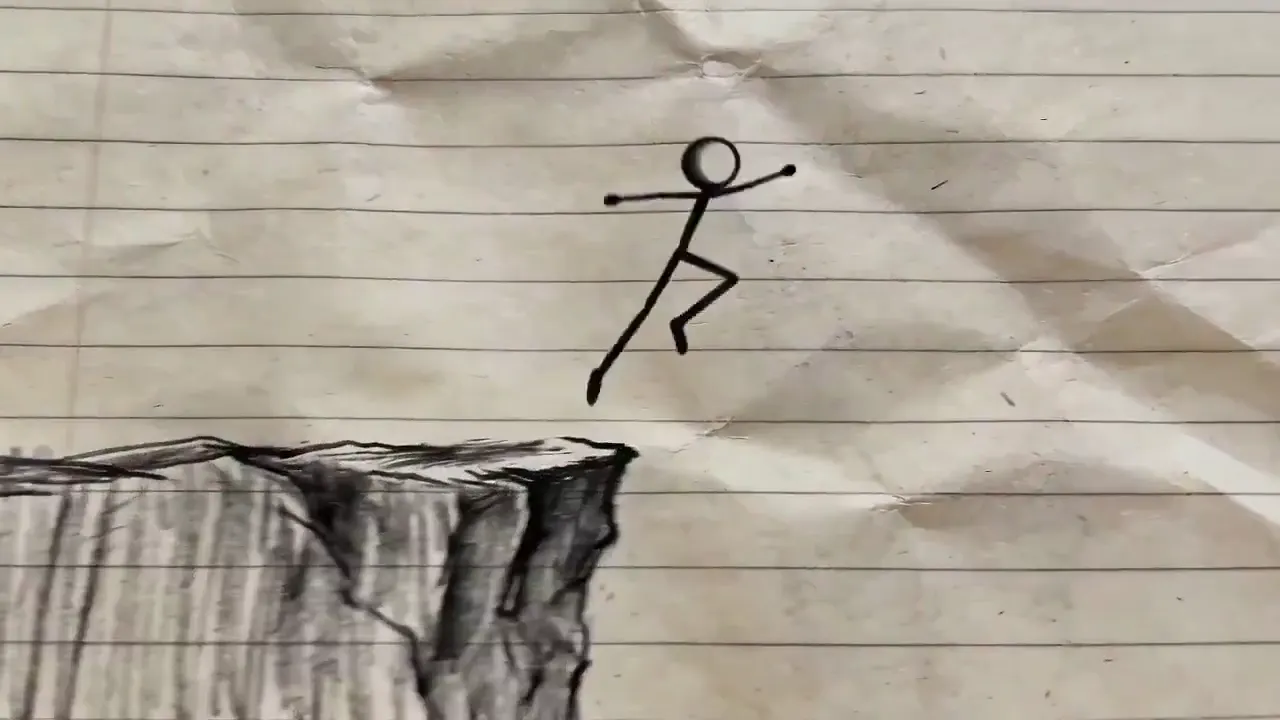
Video Output
Text to video, image to video, motion control, video extension and more — with a choice of AI models for each task.
Image to video, text to video, text to image and AI image editing, with clear controls for prompt, aspect ratio, resolution and duration.
Animate a still image. Describe the motion, camera movement and timing, then pick the model that fits the shot.
Turn a written prompt into a video clip for storytelling, ads, product demos or social content.
Change backgrounds, replace objects, refine styles and create controlled variations of an existing image.
Describe a scene and generate artwork, illustrations, concepts or production assets.
Videos, image edits and generated visuals from practical creative workflows.
Preview motion quality, visual consistency, prompt alignment, and editing flexibility before choosing a model and settings for your own project.
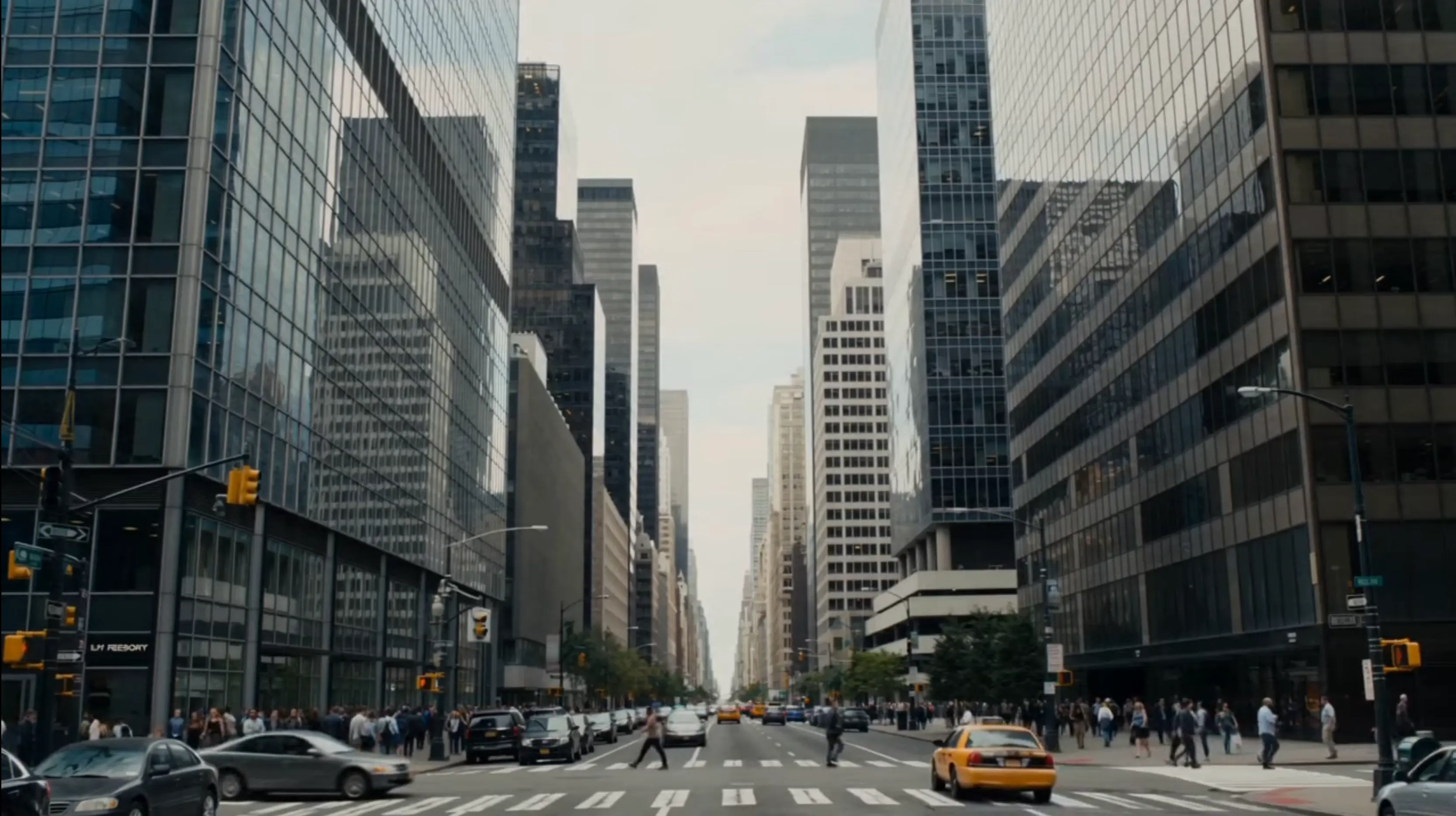 Video Preview
Compare Video Models Side by Side
Run the same prompt on different models to compare motion, consistency and prompt alignment before you spend more credits.
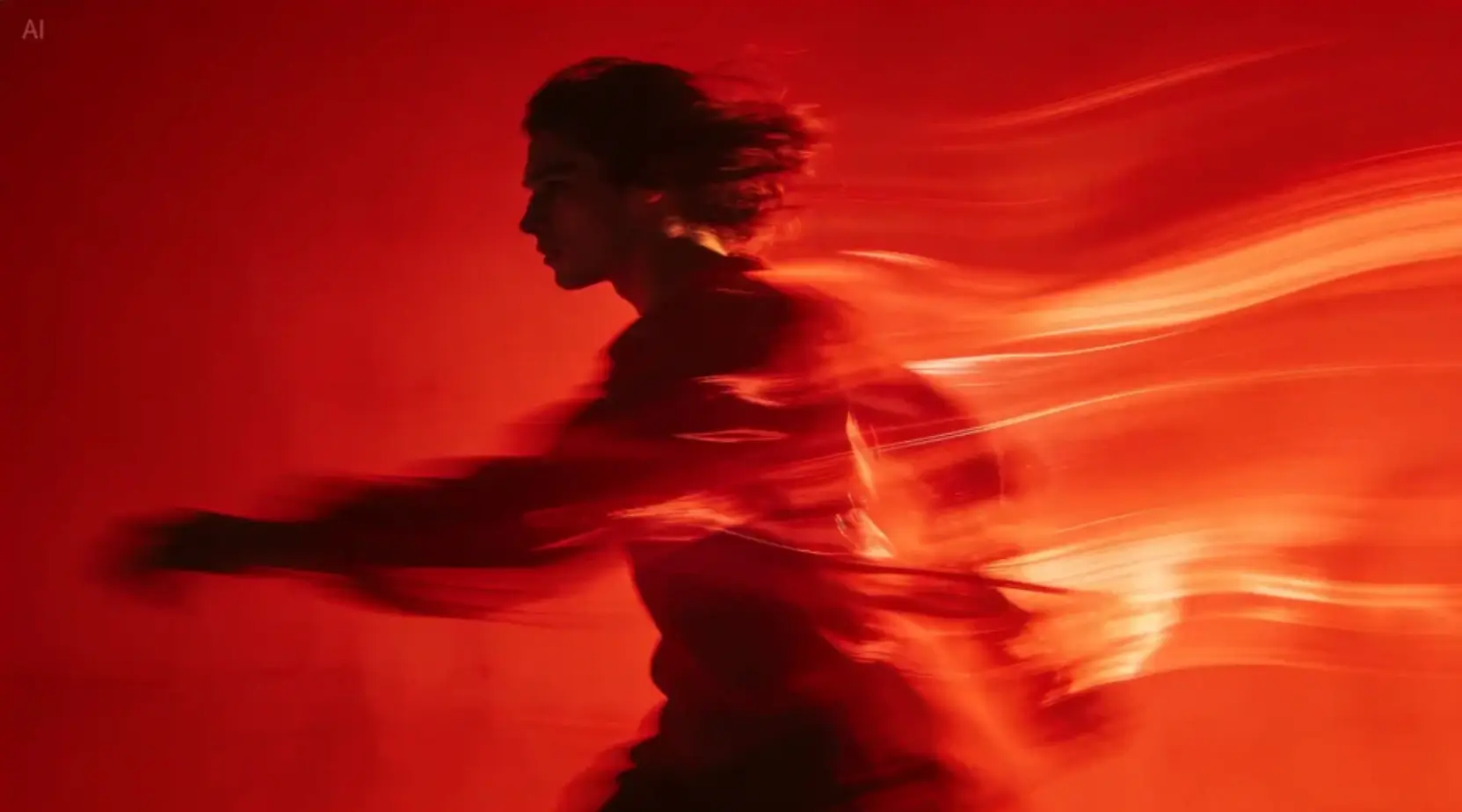 Image
ImageImage Showcase
High-quality still visuals with natural texture and stable style rendering, suitable for both creative exploration and production workflows.
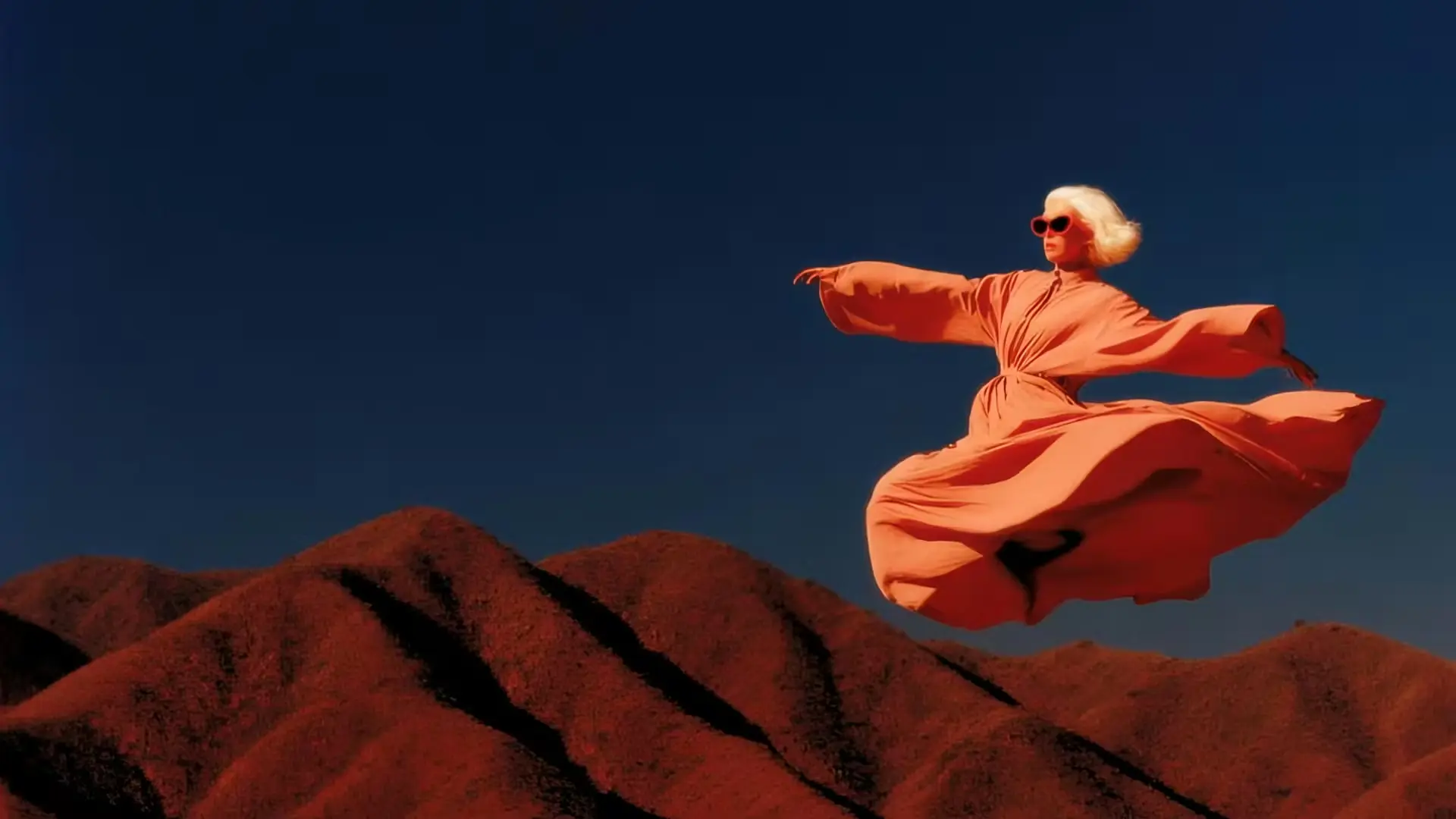 Image
ImageImage Model Comparison
Image models have different strengths — texture detail, style stability or speed. Compare them on the same prompt to find the right fit.
 Video Preview
Model Capability Snapshot
What to look for when choosing a model: motion quality, temporal consistency, scene control and visual fidelity.
Swaygen combines prompt guidance, a choice of AI models and practical output controls for individual creators and small teams.
Move from video generation to image editing without switching tools. Prompts, settings and results stay together in one workspace.
Use video models such as Kling, Seedance and Wan, and image models such as Seedream, Nano Banana and GPT Image. Each tool shows the current model list and credit cost.
Turn prompts into polished content with intuitive text-to-video, image-to-video, and text-to-image controls designed for fast iteration.
Create for social media, advertising, storytelling, product demos, or client work with adjustable formats, quality, and generation settings.
Four steps: pick a tool and model, add a prompt or image, set the output options, and generate.
Pick a tool, then the model that fits the task. Each model shows its credit cost before you generate.
Write a clear prompt or upload a source image. Use AI prompt assistance to expand a simple idea into production-ready instructions.
Choose image size, video resolution, clip length, and aspect ratio to match the channel and creative direction.
Start the generation, review the result, and download the finished asset. Images take seconds; videos may take a few minutes.
Start free or pick credits that match your workflow. You'll see the cost before every generation.
100 credits$0.77
100 credits$0.45
100 credits$0.38
Subscriptions renew automatically at the end of each billing period (monthly or yearly) until you cancel. Cancel anytime in Settings → Billing; you keep access until the end of the period you've paid for. You can get a full refund within 7 days of purchase if none of the credits from that purchase have been used — see our Refund Policy. By subscribing you agree to our Terms of Service and Privacy Policy.
Pay safely and securely with


Free50 registration credits | Plus$240/year · 31,200 credits/year | Max$588/year · 132,000 credits/year | Enterprise$828/year · 216,000 credits/year | |
|---|---|---|---|---|
| Usage | ||||
| Up to videos | Up to 1 video | Up to 1,040 videos | Up to 4,400 videos | Up to 7,200 videos |
| Up to images | Up to 10 images | Up to 6,240 images | Up to 26,400 images | Up to 43,200 images |
| Benefits | ||||
| Queue-free generation | ||||
| Email support | ||||
| No watermark | ||||
| Private generation | ||||
| Faster generation speed | ||||
| Early access to new features | ||||
| Lowest cost per credit of our plans | ||||
| Commercial Use License | ||||
| Included AI models | ||||
| Wan 3.0 Model | ||||
| Wan 2.6 Model | ||||
| Wan 2.7 Model | ||||
| Wan 2.5 Model | ||||
| All AI Video Models | ||||
Every paid plan includes all AI tools, multiple video and image models, and commercial use rights.
Answers about supported models, credits, billing, output formats and commercial use.
Swaygen is an independent AI creative platform for generating videos and images. It gives you access to third-party AI models such as Kling, Seedance, Wan, Seedream and Nano Banana from one account, with one credit balance.
Yes. You can cancel your subscription at any time from your account dashboard.
Video models include Kling, Seedance and the Wan series; image models include Seedream, Nano Banana, GPT Image and FLUX. Availability can change, and the current list with credit costs is shown inside each tool.
Yes. With Image to Video, upload a photo, describe the motion you want, and the selected model animates it into a video clip. Most videos are ready in a few minutes.
No. Swaygen is an independent third-party platform and is not affiliated with, endorsed by, or sponsored by ByteDance, Alibaba, Google, Kuaishou, OpenAI, Black Forest Labs or any other model provider. Model names and trademarks belong to their respective owners.
Images are generated in seconds. Videos typically take 1–5 minutes depending on the model, resolution, and duration selected. You can track progress in real time.
Free plan outputs include a watermark. Paid plan subscribers receive watermark-free videos and images with full commercial usage rights.
Yes. Paid plan subscribers can use all generated content for commercial purposes, including advertising, social media, client work, and product promotion.
It depends on the model. Common aspect ratios include 16:9, 9:16 and 1:1. Video resolutions range from 480p to 1080p, with higher options on some models. Videos are delivered as MP4 and images as PNG or JPEG.
Yes. The Image Edit tool lets you modify existing images using AI — change backgrounds, swap objects, adjust styles, or apply artistic effects with a simple text prompt.
Each generation consumes credits based on the model and output type. Free accounts receive 50 credits on signup. You can purchase additional credit packs or subscribe to a plan for a monthly credit allowance. If a generation fails, credits are automatically returned according to our policy.
Email [email protected] or use the Contact page. We usually reply within 1–2 business days. You can cancel a subscription anytime from Settings → Billing.
It depends on how you received them. Registration gift credits expire 30 days after signup. Monthly subscription credits expire 30 days after each renewal. Yearly subscription credits are granted in full at the start of the billing year and expire 365 days after they are granted. One-time credit packs (Nano, Starter, Boost, Power, Ultra, Mega) never expire — they stay in your account until used. When you generate content, we always spend the credits closest to their expiry date first, so longer-lived credits are preserved.
Yearly subscriptions deliver the entire year's credit allowance in a single batch at the start of the billing period, not month by month. Those credits are valid for 365 days from the grant date. If you also hold monthly subscription credits or one-time credit packs, they all stack in the same balance — with shorter-expiry credits consumed first.
No. We do not allow NSFW content generation on our platform.
We support credit card, Google Pay, Apple Pay, and more.
Yes. You can subscribe again at any time, including to the same plan. Credits from every subscription stack in your balance, so you can add more whenever you need them. Each subscription is billed separately.
Paid plans add more credits, priority generation and watermark-free downloads across all available tools.
Cancel anytime from Settings → Billing.